
Generate AI images in under 30 seconds
Type a prompt or upload a reference—get a polished first draft in seconds. Fewer retries, less guessing. GPT images 2.5 follows your intent closely so you spend time creating, not debugging prompts.
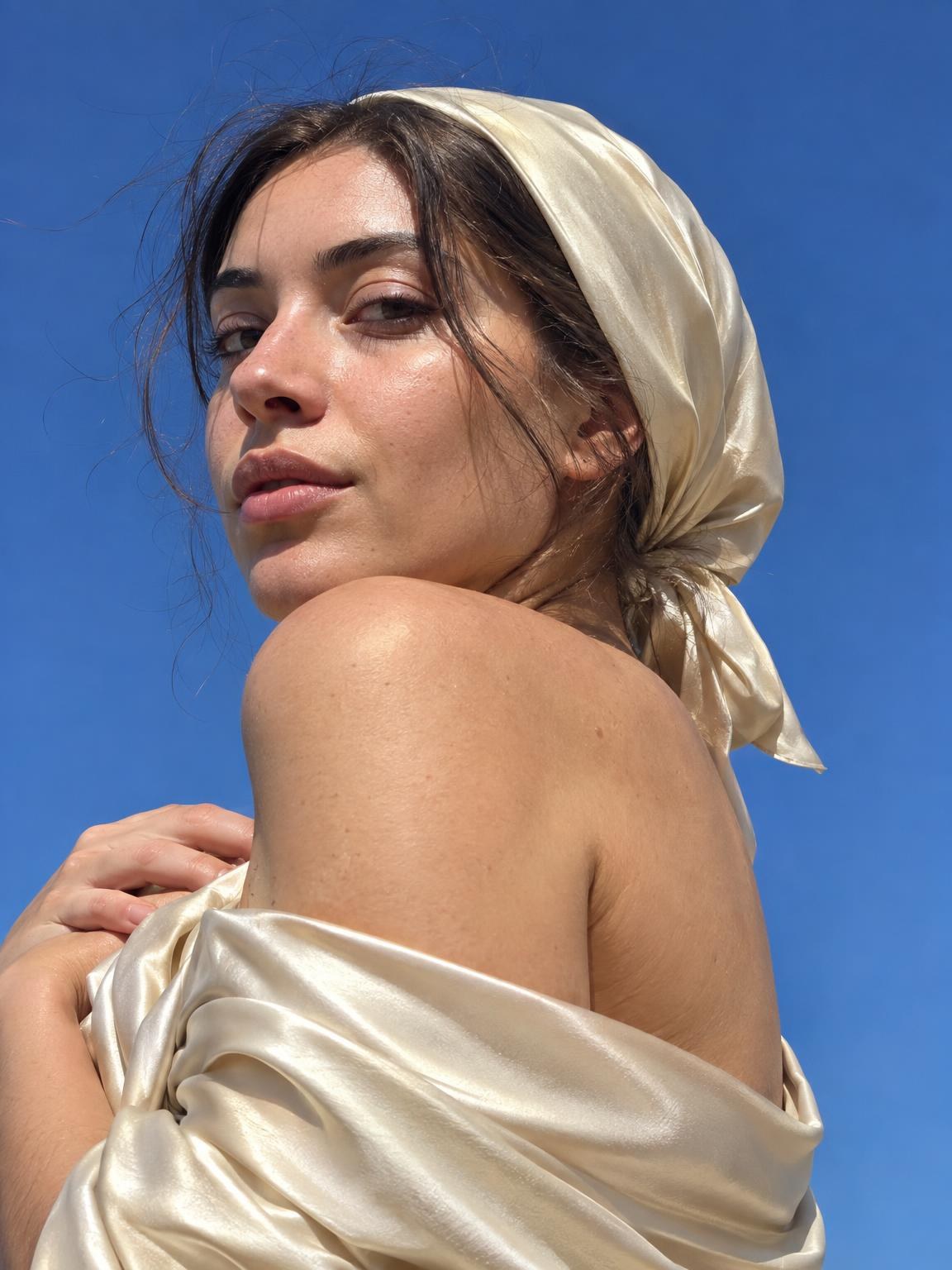
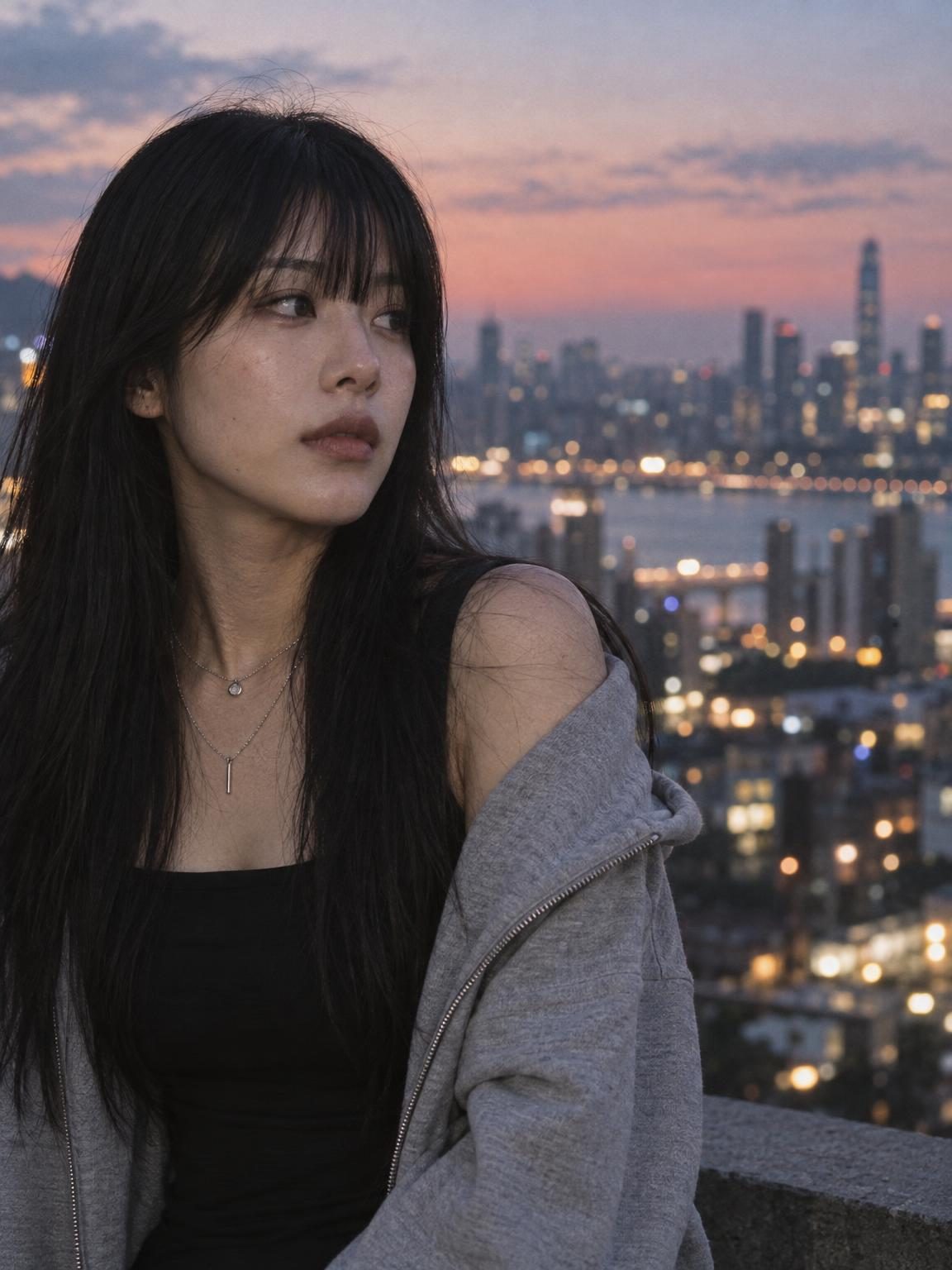
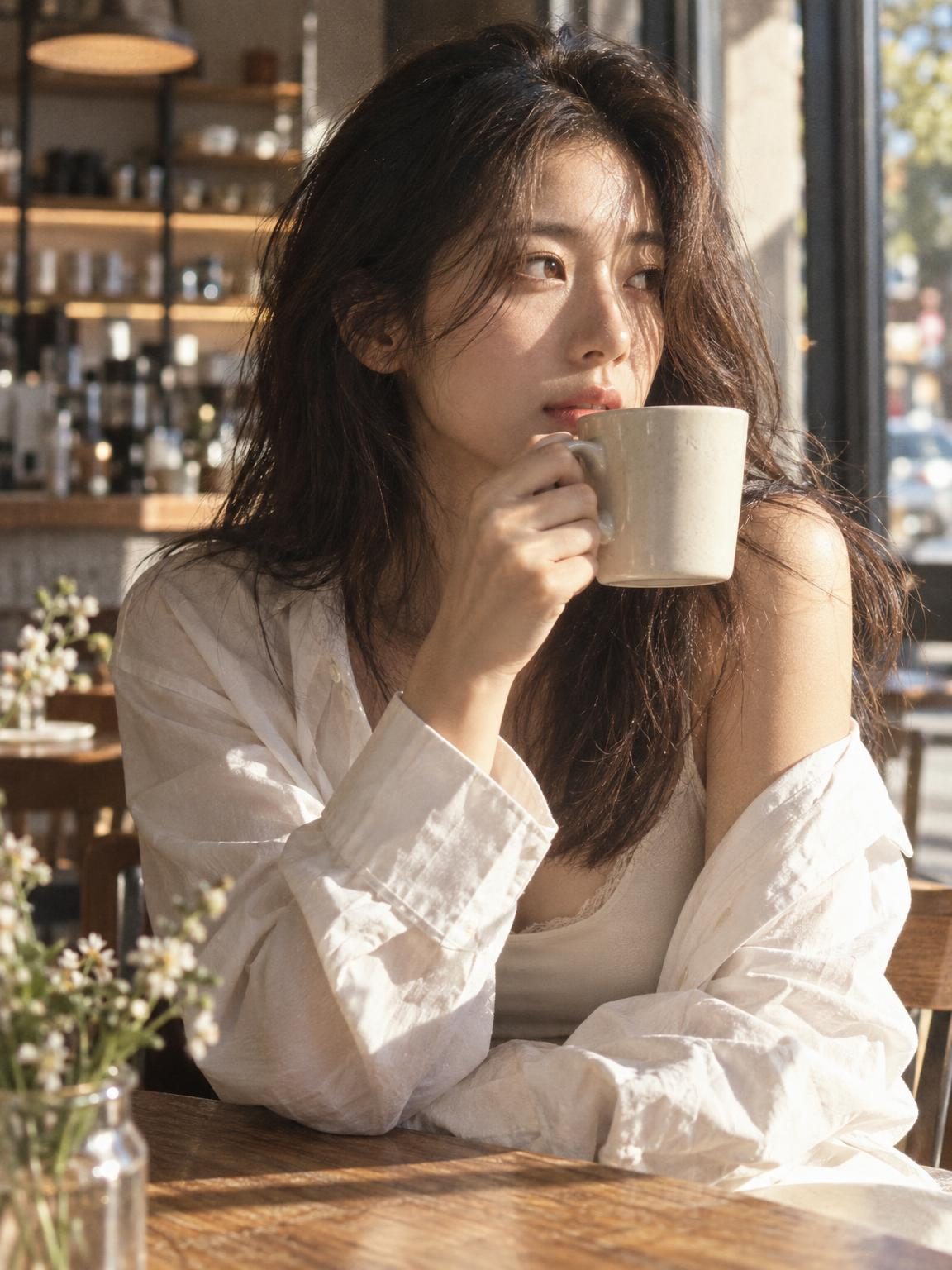
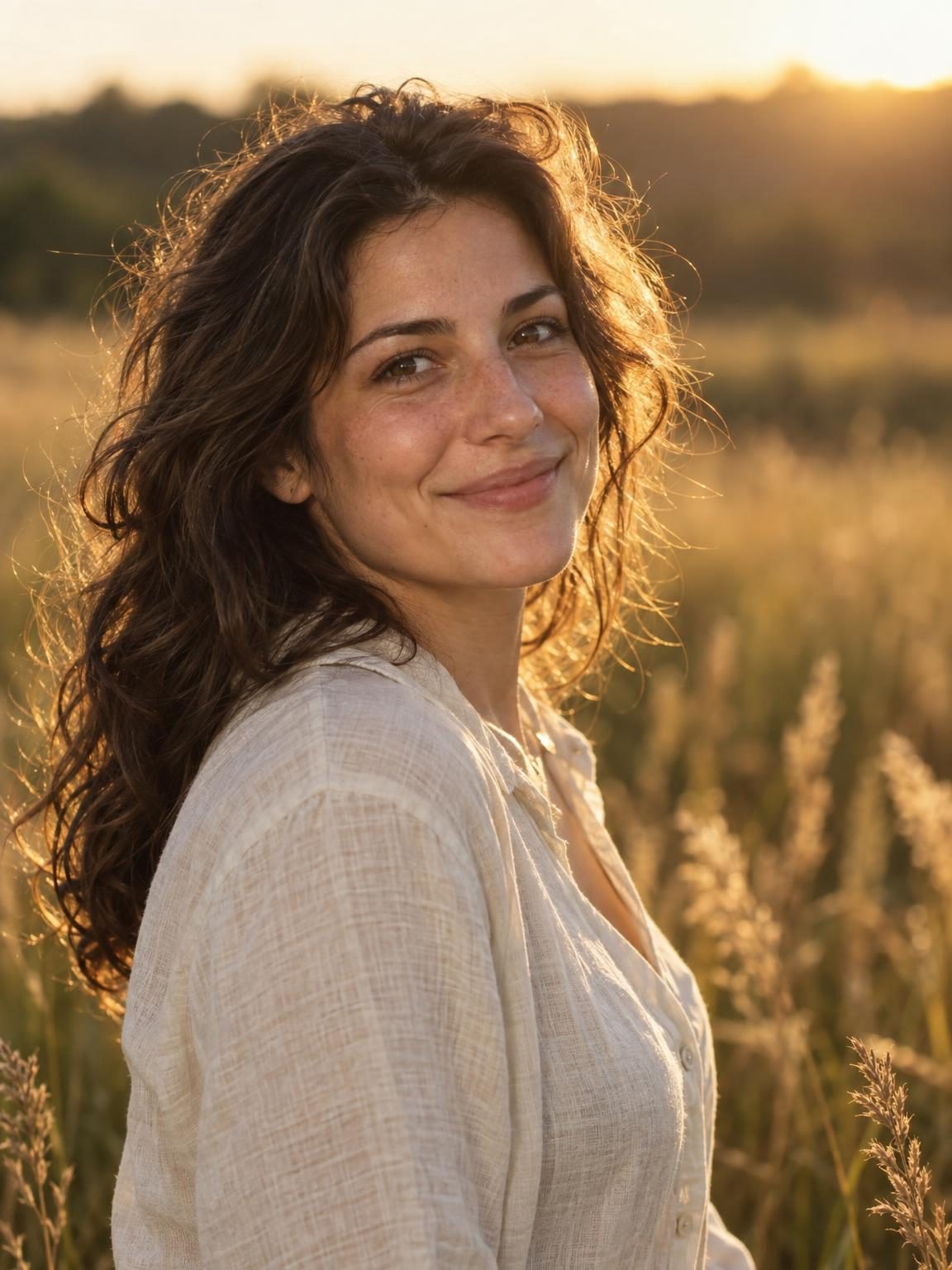
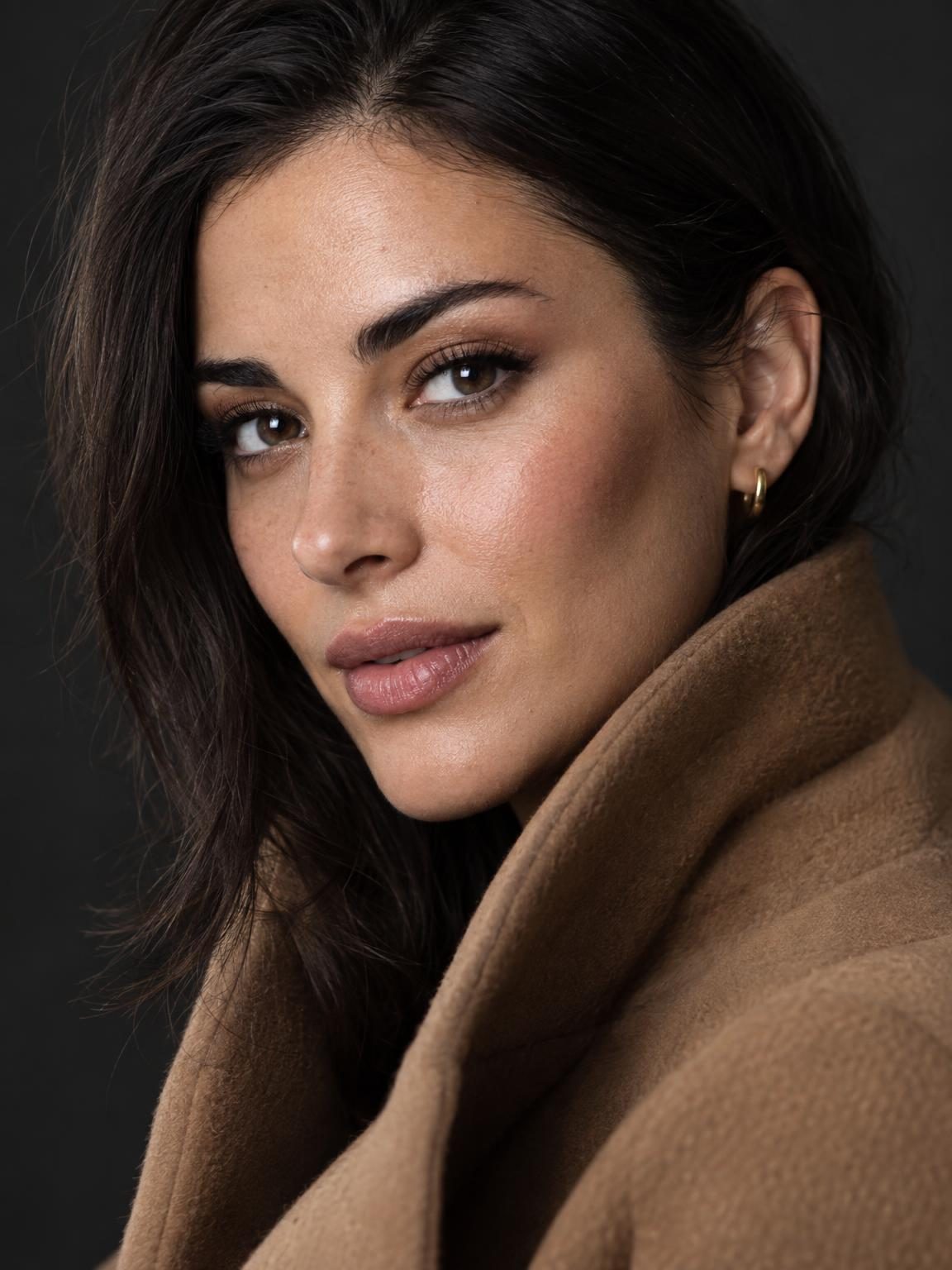
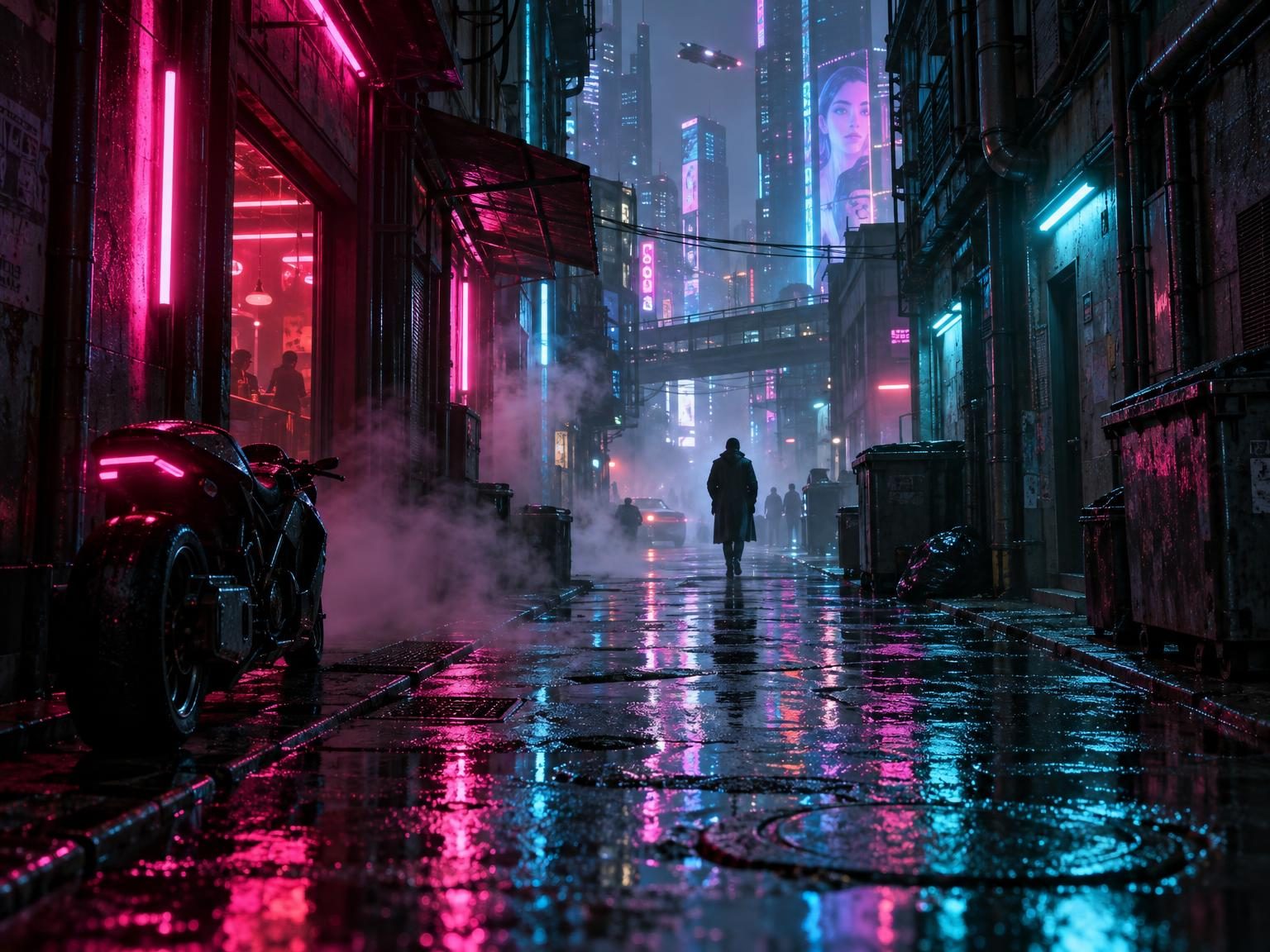
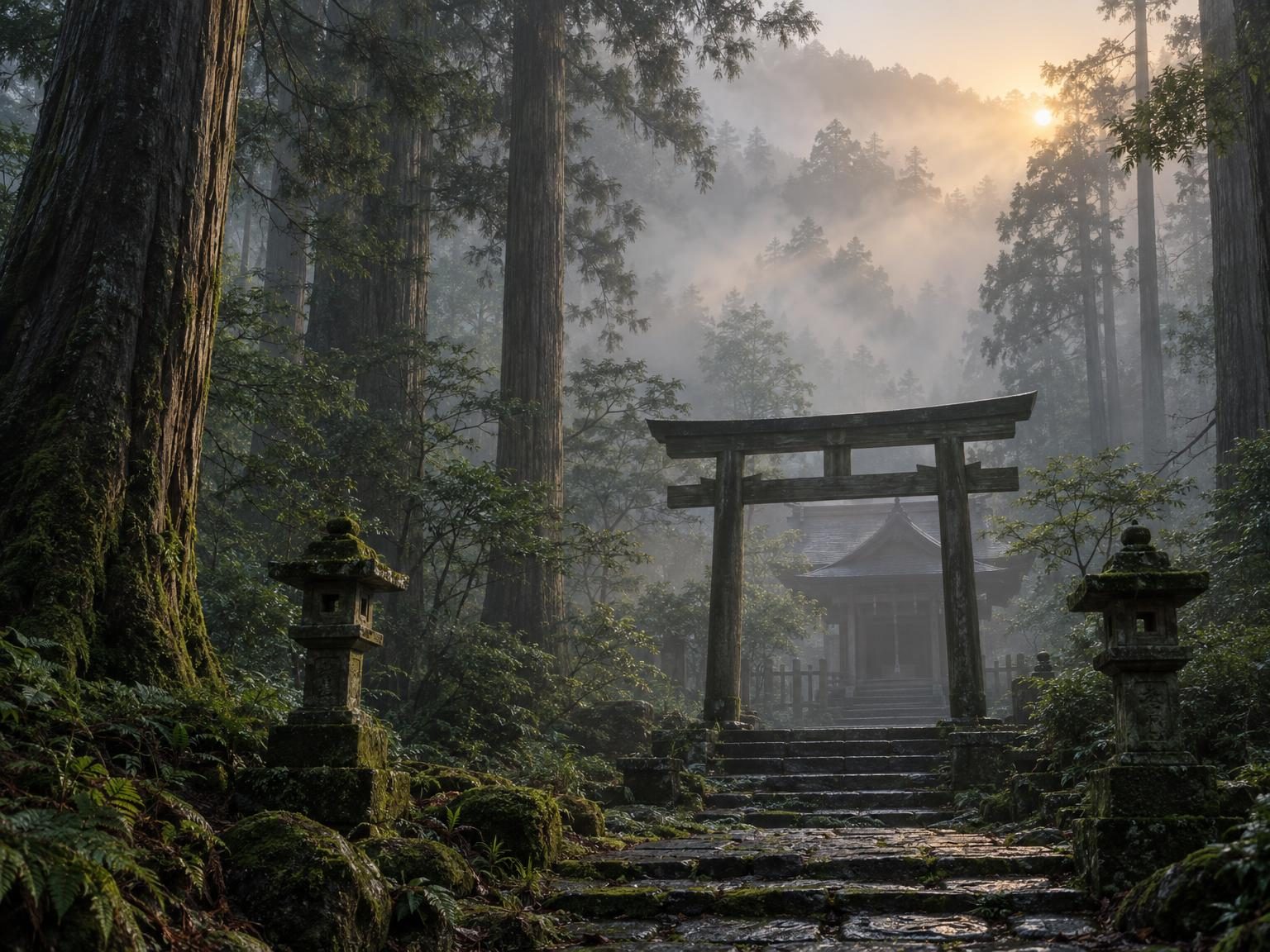
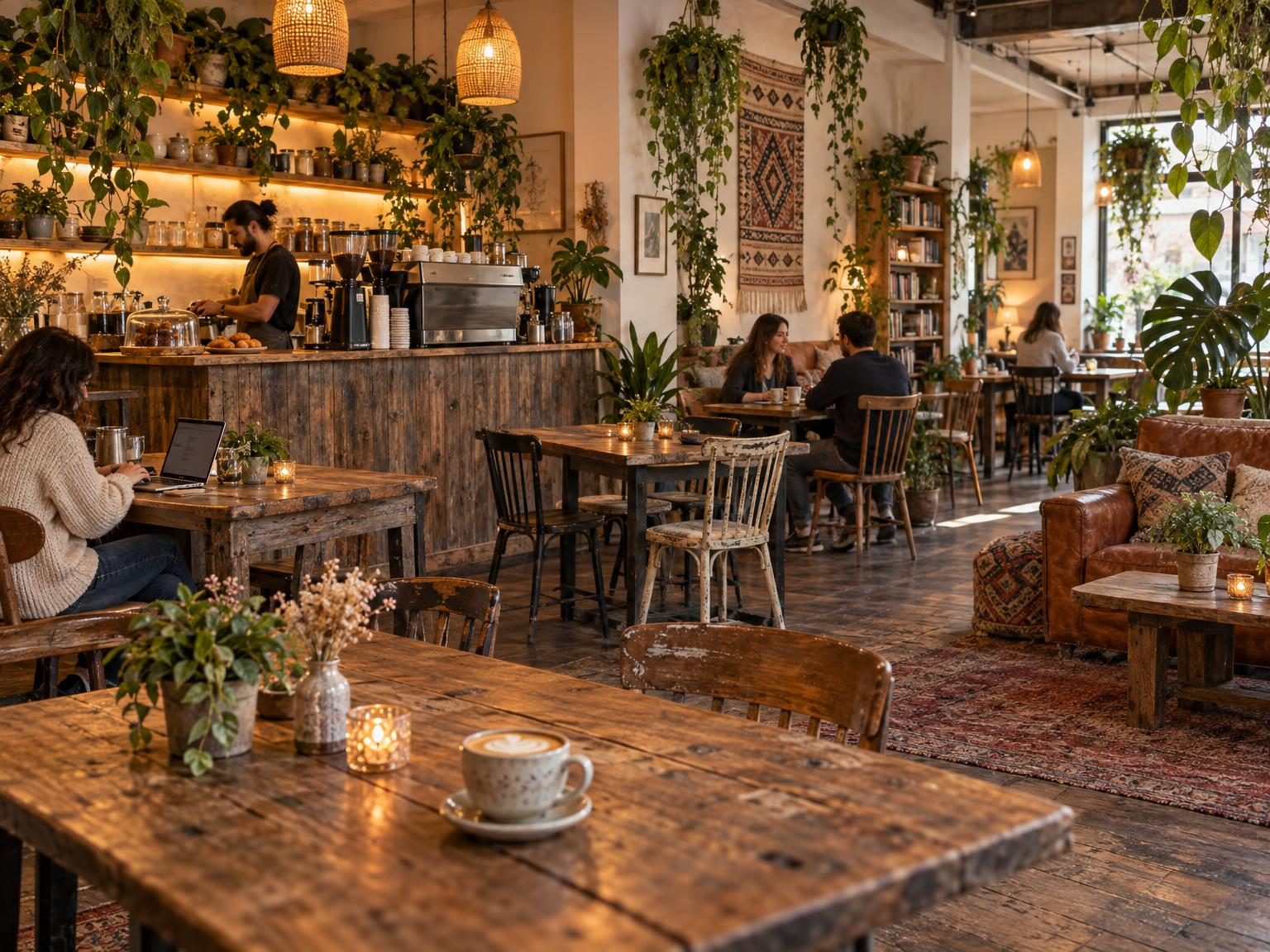
Get inspired by what others are creating with GPT images 2.5
Type a prompt or upload a reference. GPT images 2.5 turns the idea into a polished visual you can edit and export.
Text-to-Image
Turn a sentence into a finished visual
Describe the shot in plain English. GPT images 2.5 returns a clean, usable image in seconds—ready for ads, listings, and social.
Usa questo prompt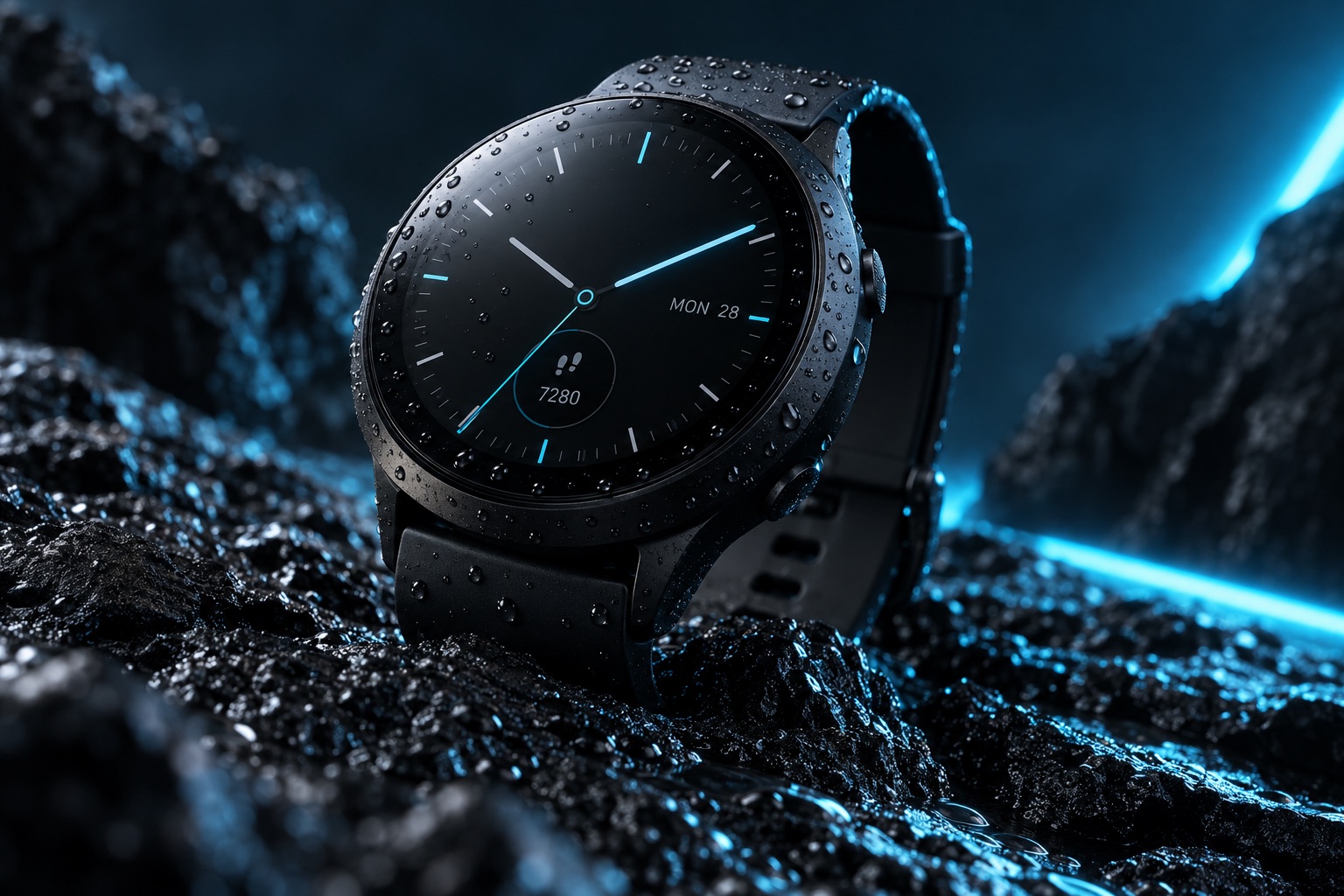
Image Editing
Change the picture with a sentence
Swap the background, restyle, or remove objects. No Photoshop—upload, describe the change, and iterate in the browser.
Usa questo prompt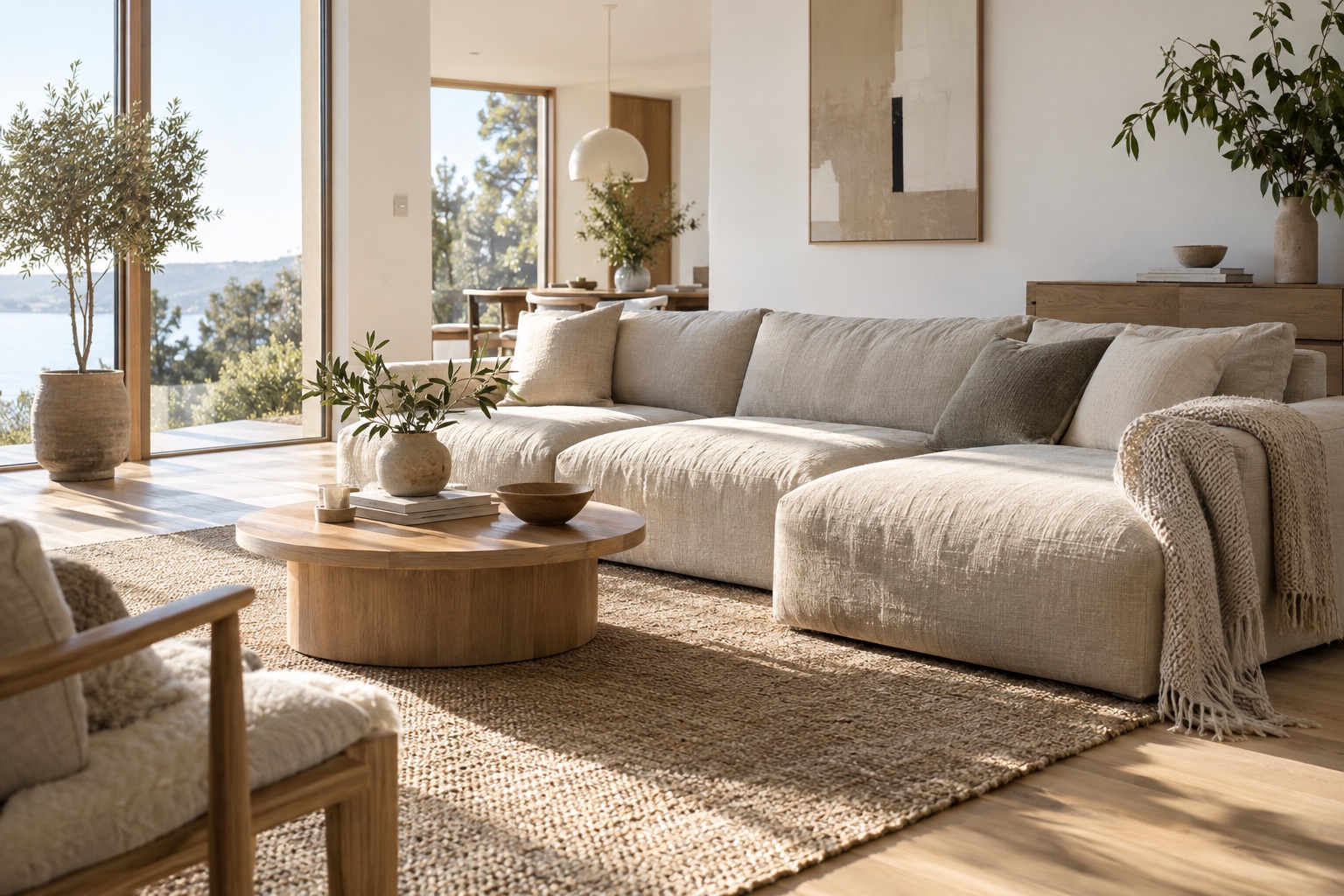
Reference Remix
Keep the look, change the subject
Upload a style reference, then describe a new scene. Stay on-brand across a series without reshooting.
Usa questo prompt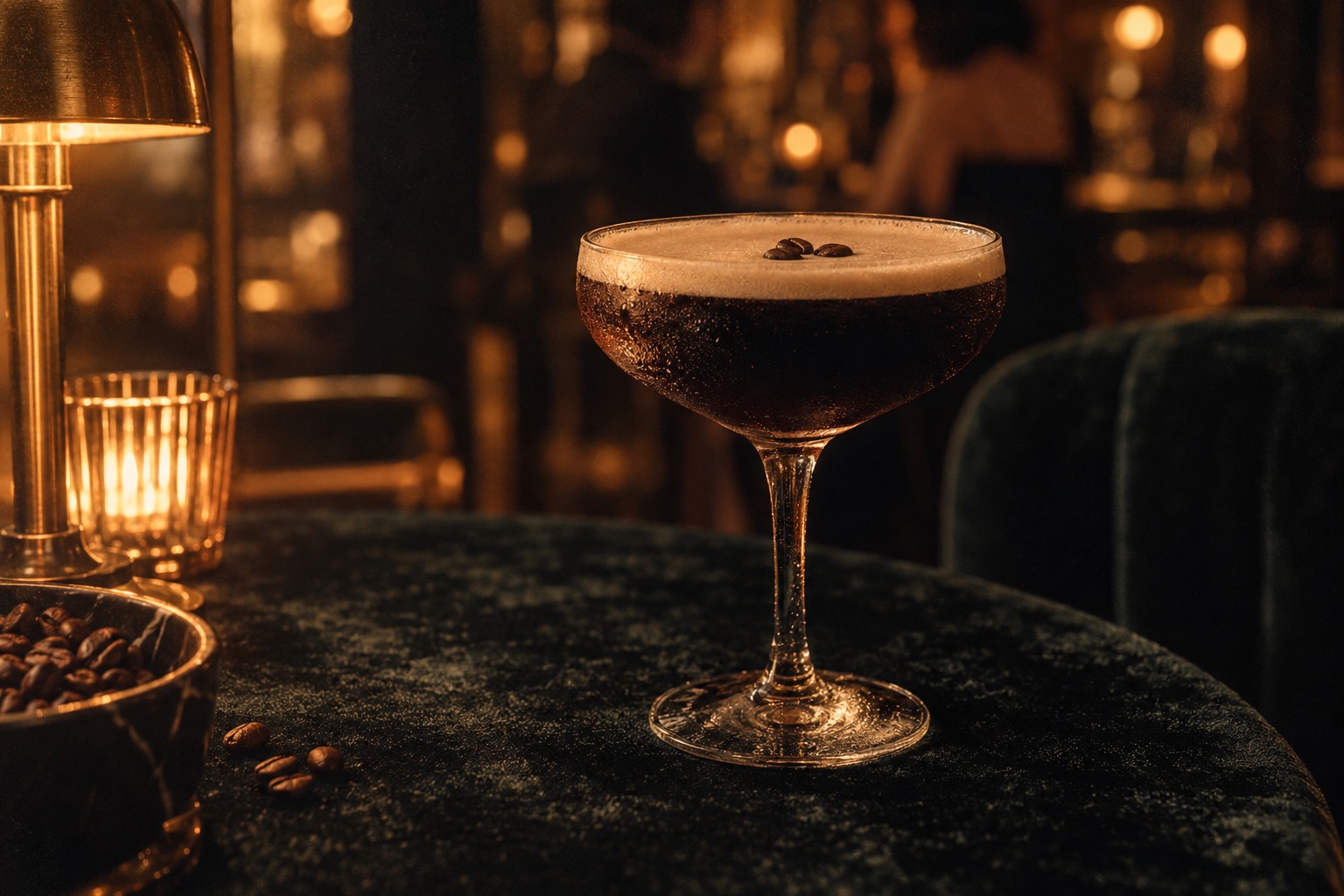
Image editing
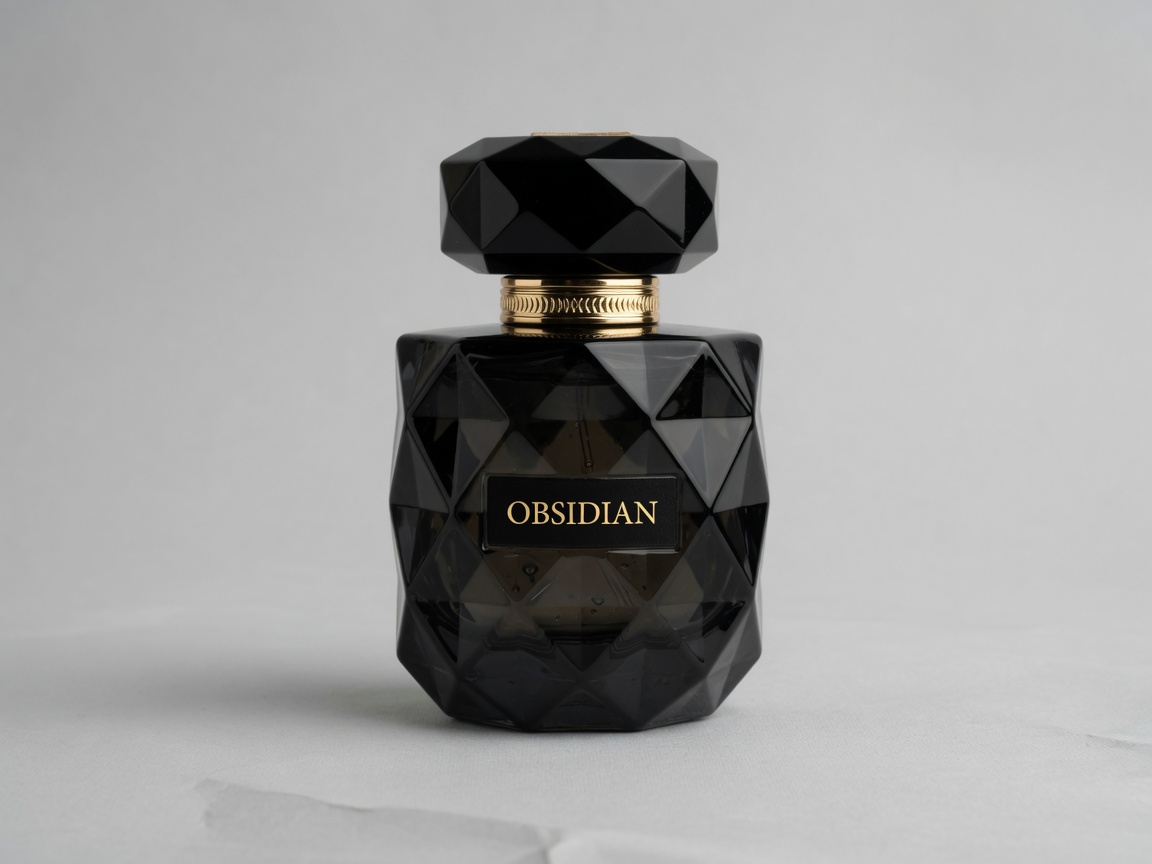
Keep the product. Change the world around it.
Upload a packshot, describe the new scene, and GPT images 2.5 restages lighting and background while the subject stays intact. Drag the handle to compare.
Try a product edit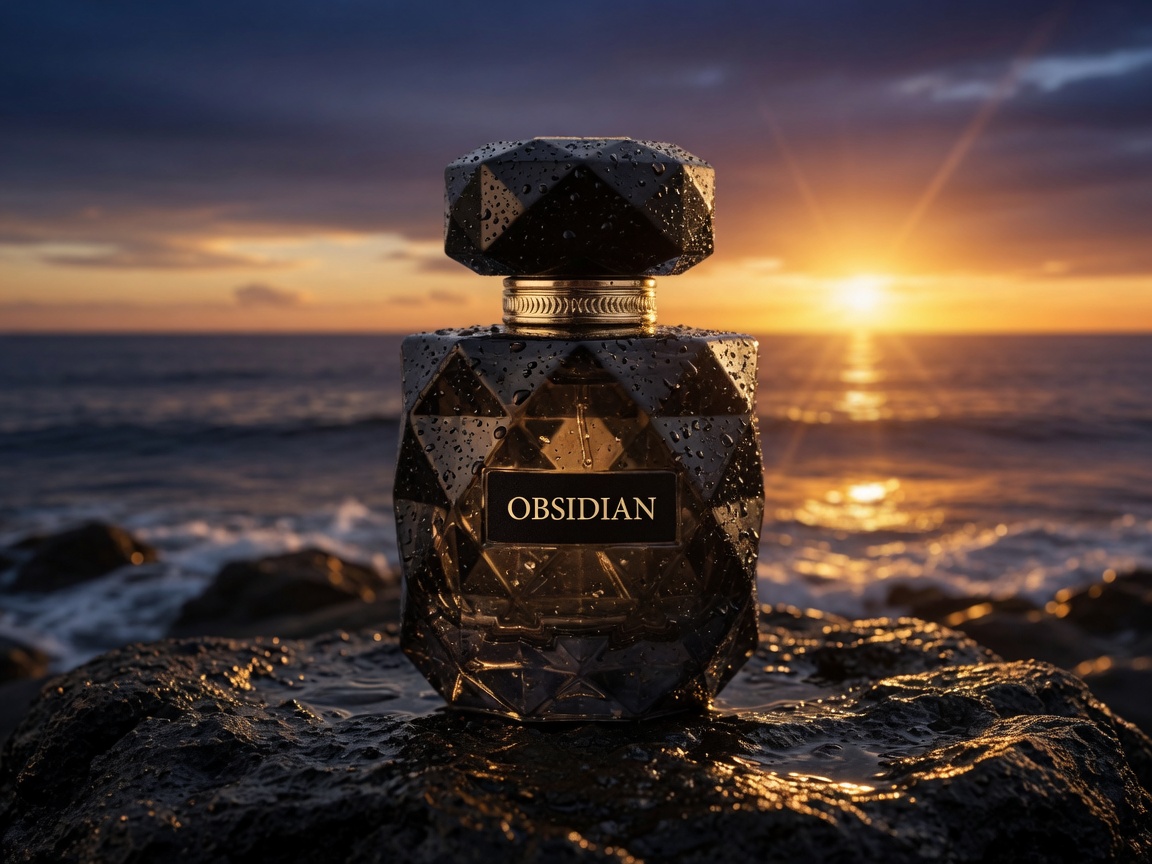
 BeforeAfter
Built for AI Image Workflows
Whether you sell products, run campaigns, or create content—GPT images 2.5 turns text and references into ready-to-use visuals.
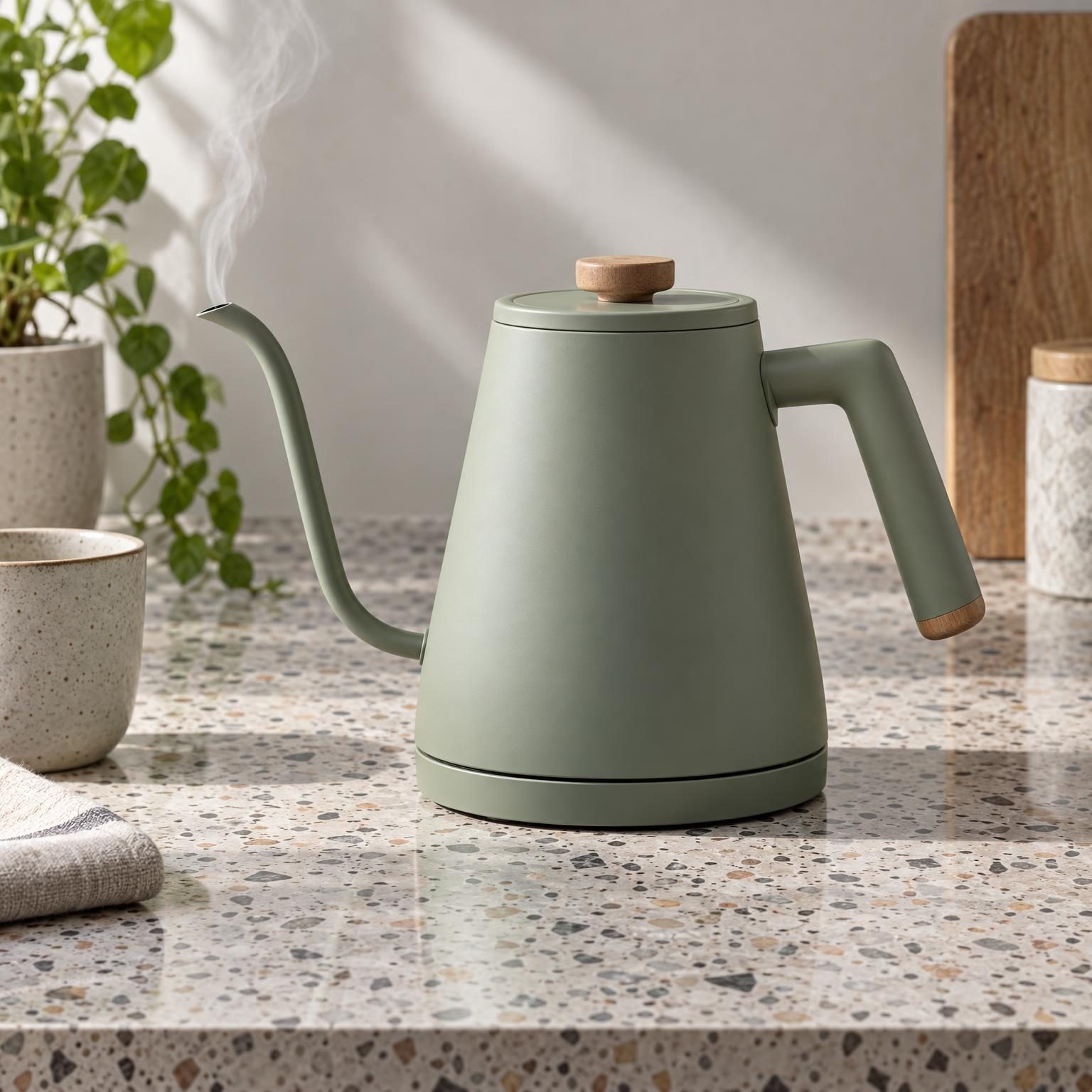
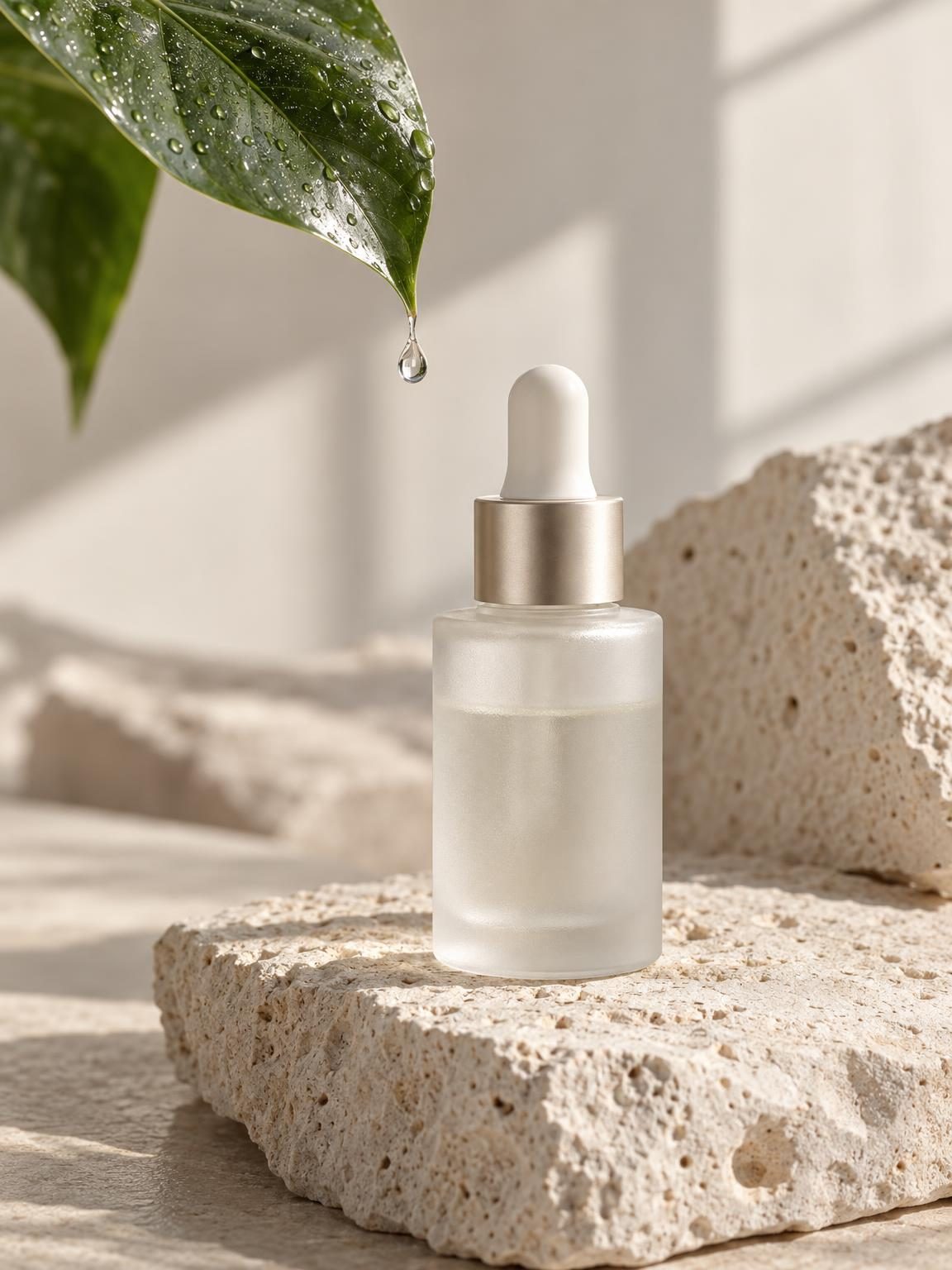
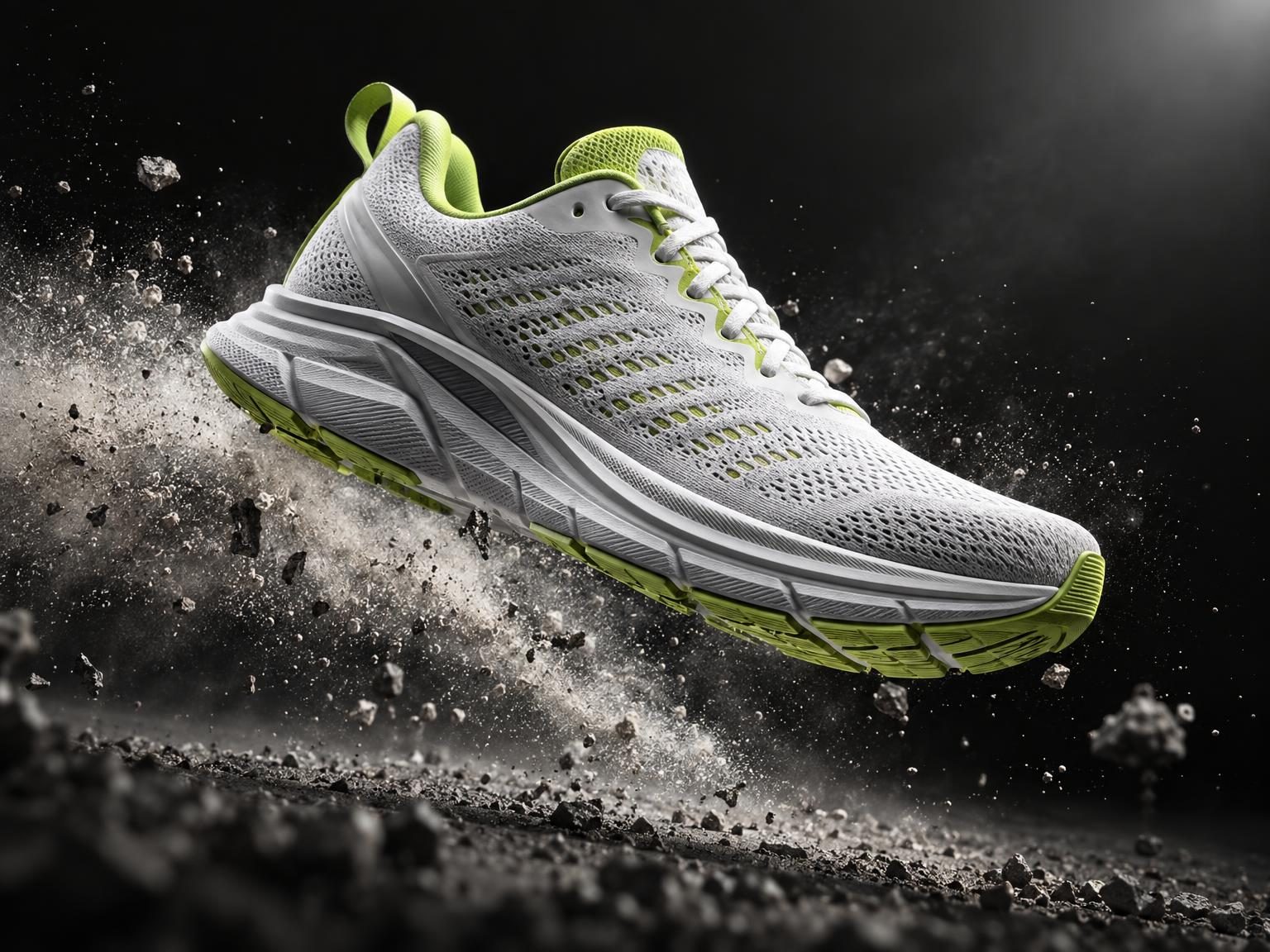
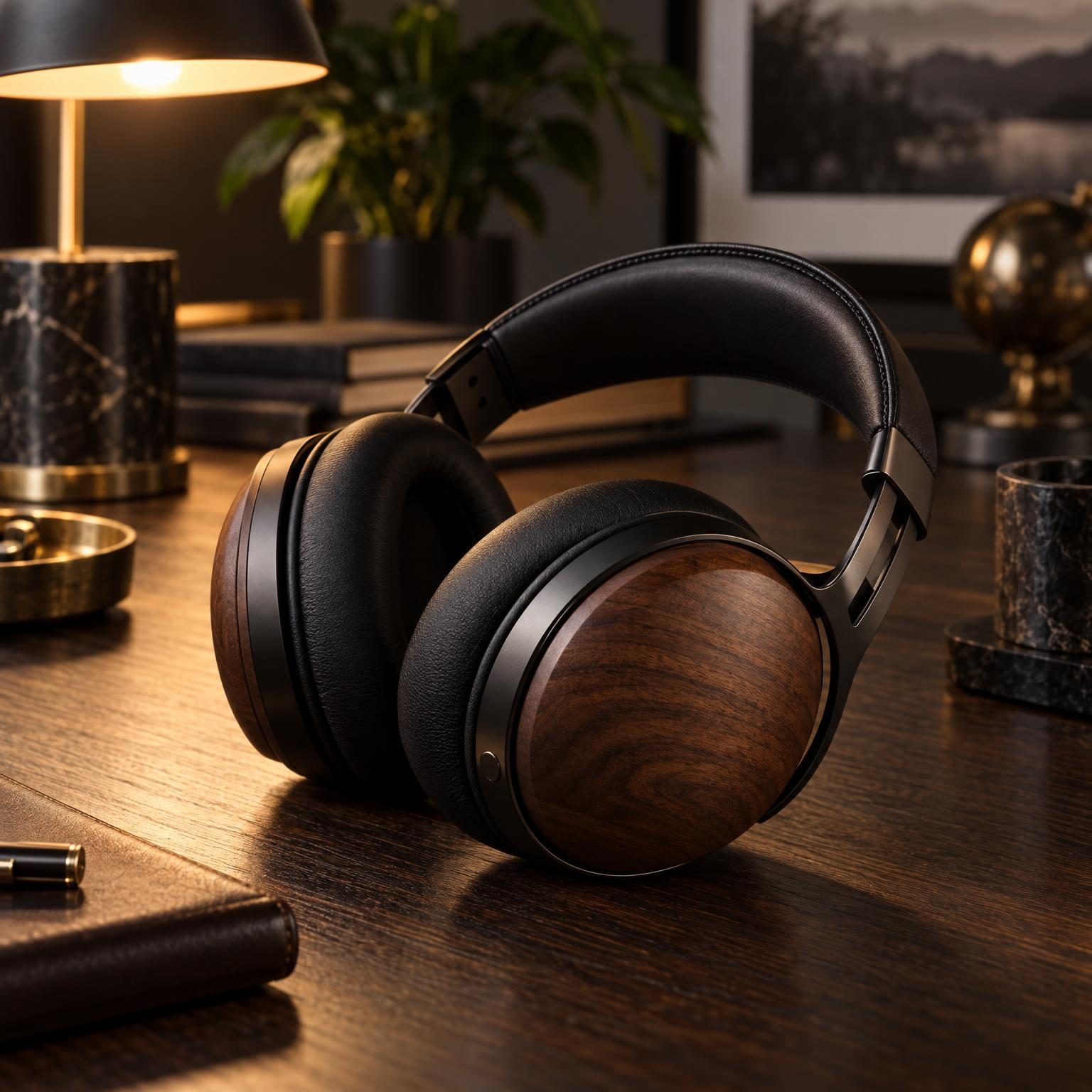
Product photos, lifestyle shots, and ads without hiring a photographer. GPT images 2.5 generates on-brand visuals in minutes.
Describe your product and scene—white background, lifestyle setting, or creative angle. GPT images 2.5 creates ready-to-use images for listings and ads.
Need a model holding your product, a room with your furniture, or a meal featuring your food? Type the scene and get stunning imagery.
Upload an existing product shot and ask for a new background—clean studio, outdoor lifestyle, or seasonal holiday setting without Photoshop.
Generate multiple angles, color themes, or ambient lighting setups in one go to keep your product catalog visually dynamic.
Why Use GPT images 2.5
The easiest AI image generator and editor online. No software to install—create product photos, ad creatives, social graphics, and more in a browser-based workflow.
Type a prompt or upload a reference—get a polished first draft in seconds. Fewer retries, less guessing. GPT images 2.5 follows your intent closely so you spend time creating, not debugging prompts.
Change backgrounds, adjust lighting, add or remove elements by simply describing what you want. True natural language AI image editing directly in your web browser.
Start from scratch or remix an uploaded reference. Combine both for pixel-perfect composition control. GPT images 2.5 handles your entire visual pipeline without jumping between tools.
Create cohesive product sets, campaign series, or thumbnail collections that look like they belong together. GPT images 2.5 preserves palette, composition, and visual tone.
Get 20 free signup credits — enough for 2 GPT images 2.5 generations, no credit card required. Test text-to-image and editing risk-free. Upgrade to GPT images 2.5 Pro when you need higher limits and priority queues.
Generate in standard 1K for rapid drafting or switch to 2K and 4K ultra-sharp resolutions for print-ready catalog shots and marketing hero graphics.
From product pages to social posts, go from a rough idea to a shippable visual in a tight loop.
Product photos
Lighting, angle, and finish stay consistent
Stage a collection from one packshot. GPT images 2.5 keeps the product recognizable while you change the set.
Create a product shot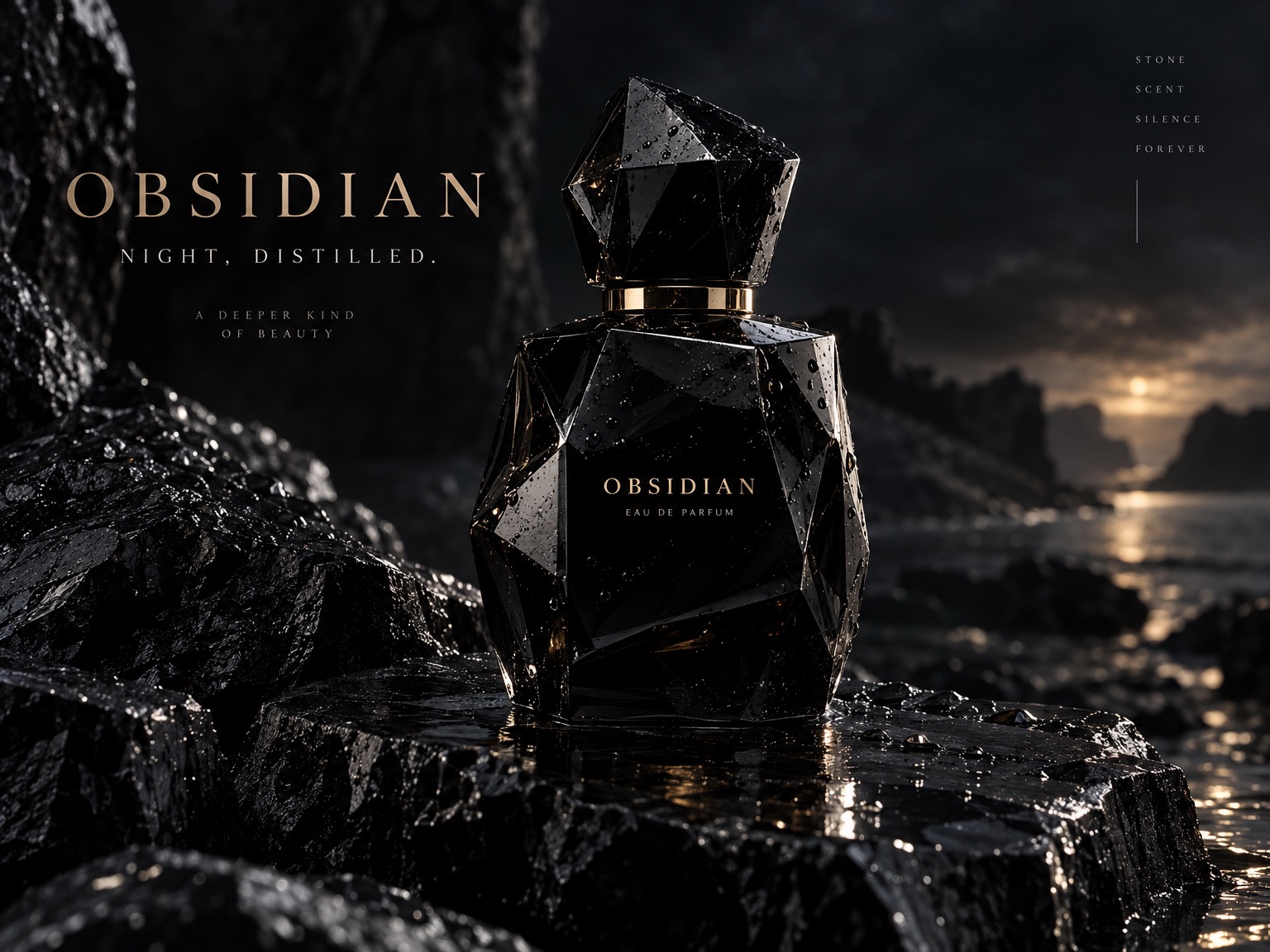
Background swap
Keep the subject. Replace the world.
Move a listing or campaign into a new location without a reshoot. Describe the place and palette you need.
Swap a background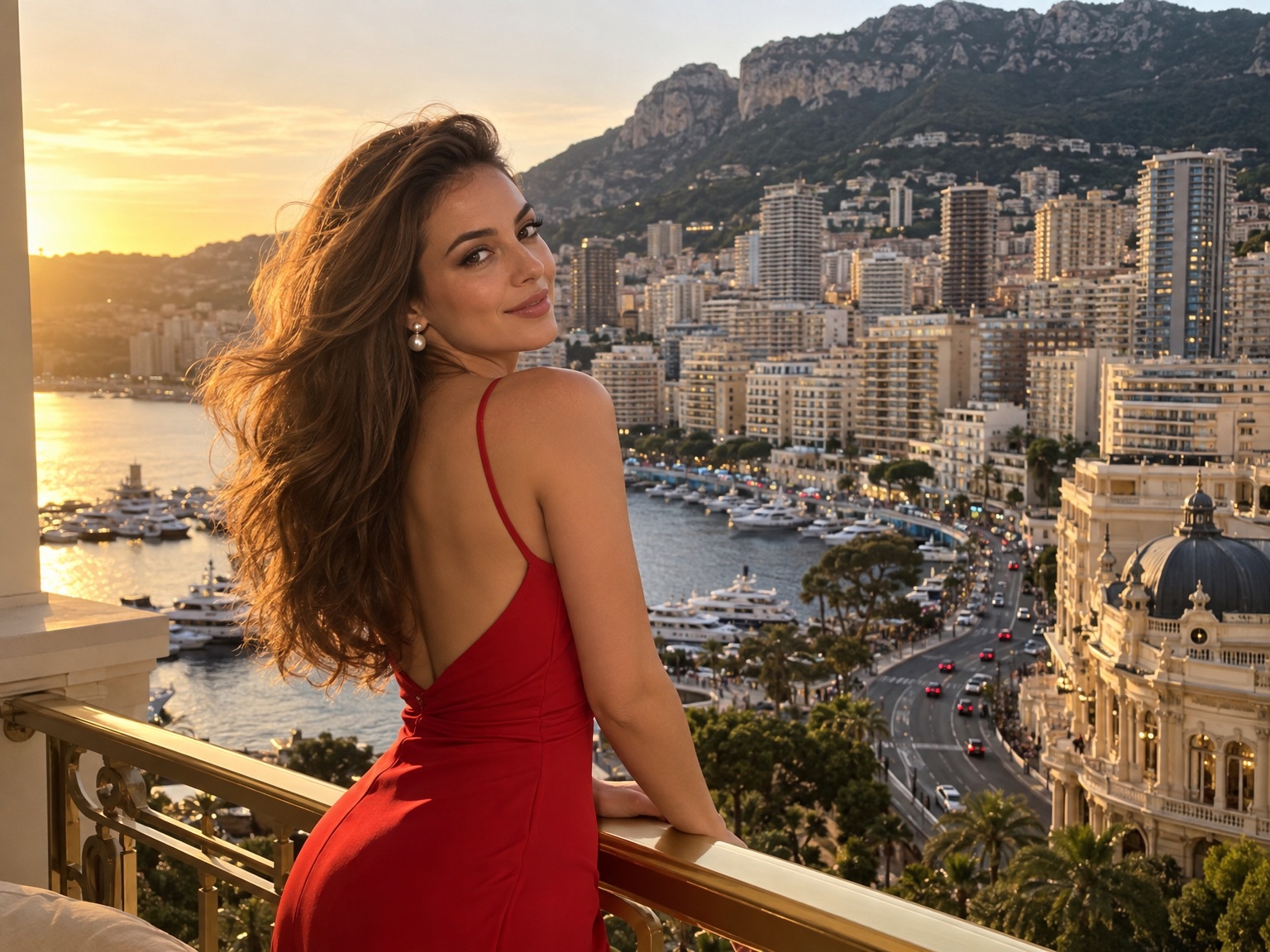
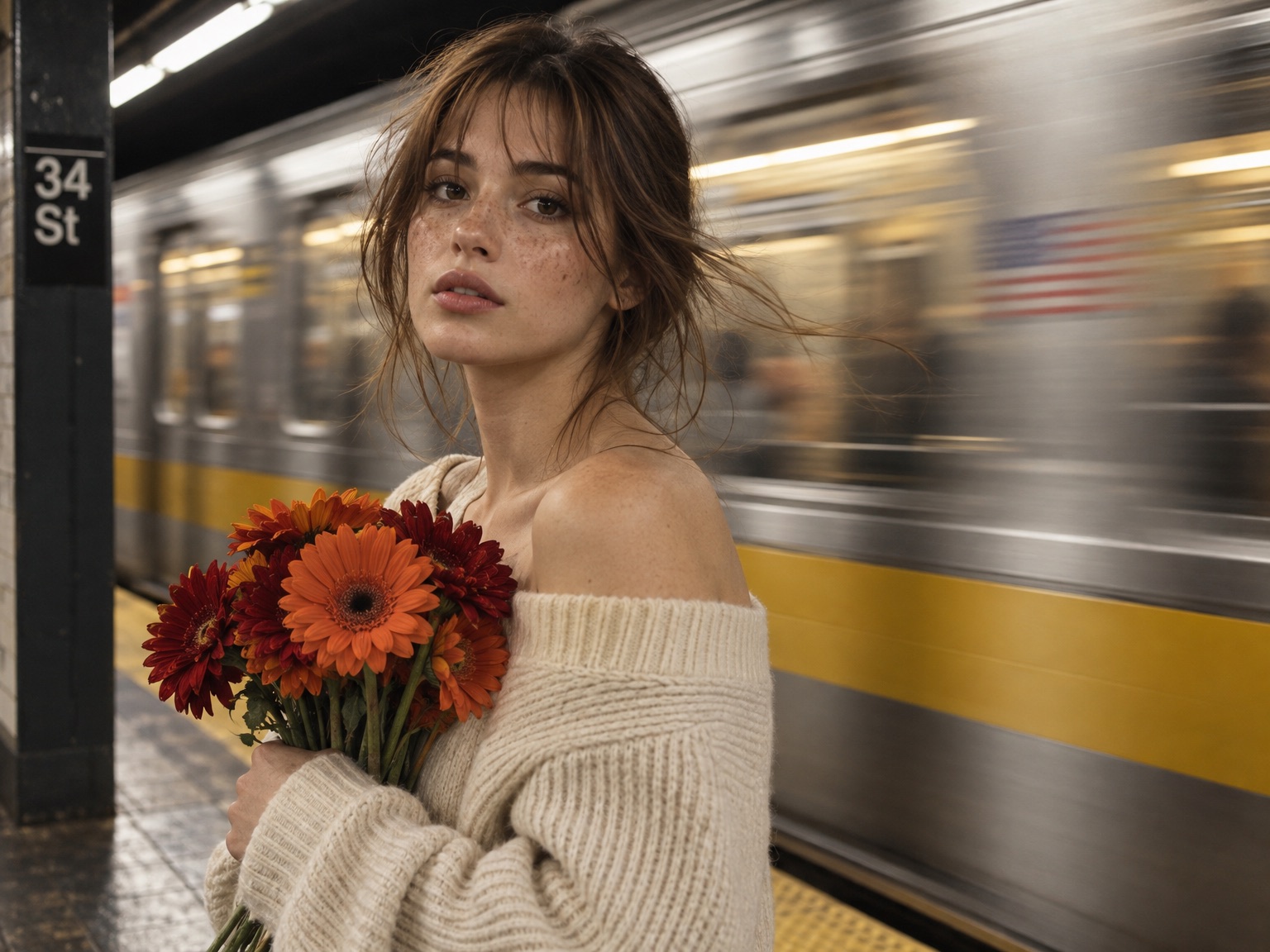
Lift clarity and tone, then iterate until the finish is right.
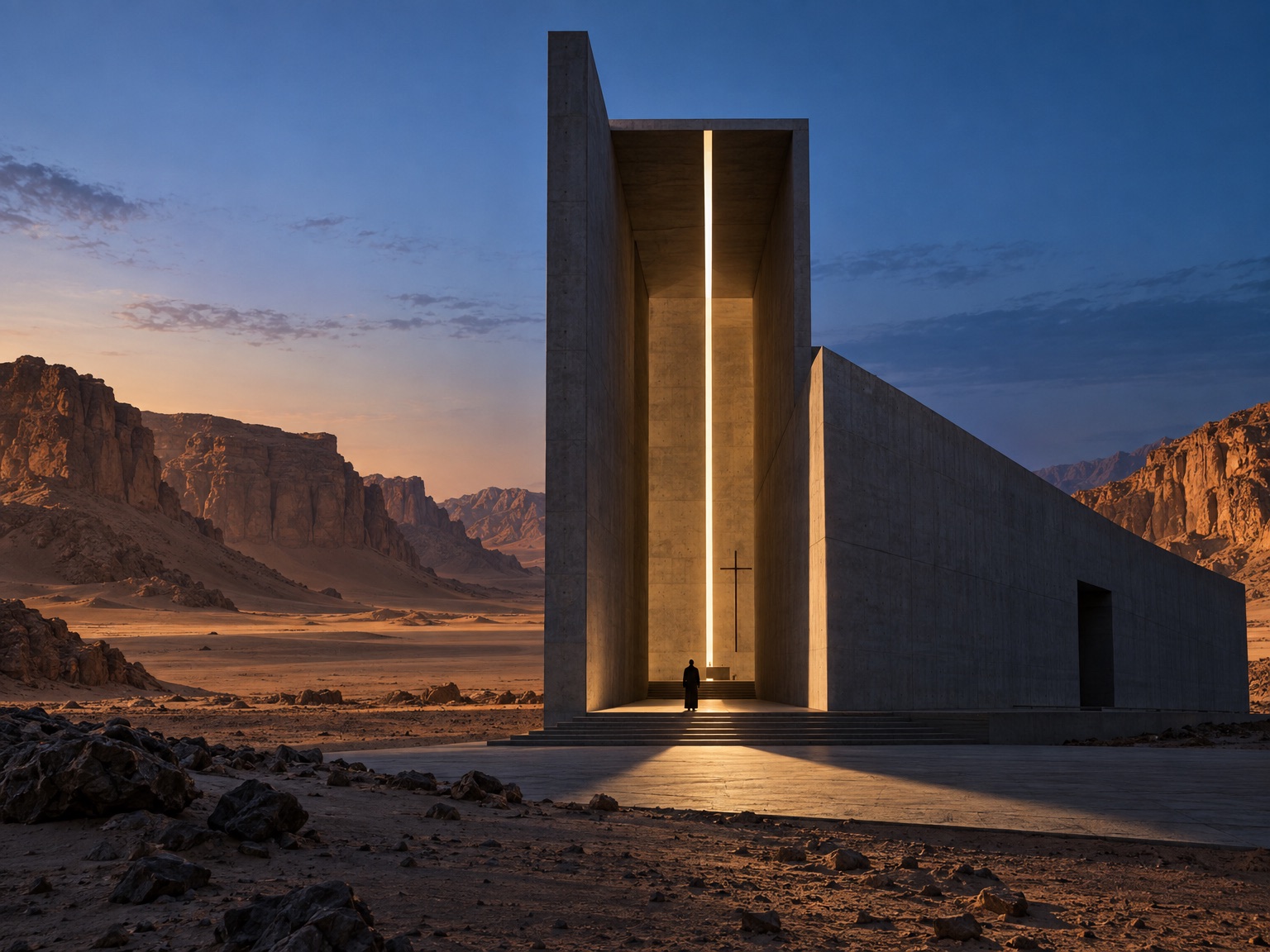
Explore directions before you spend on production.
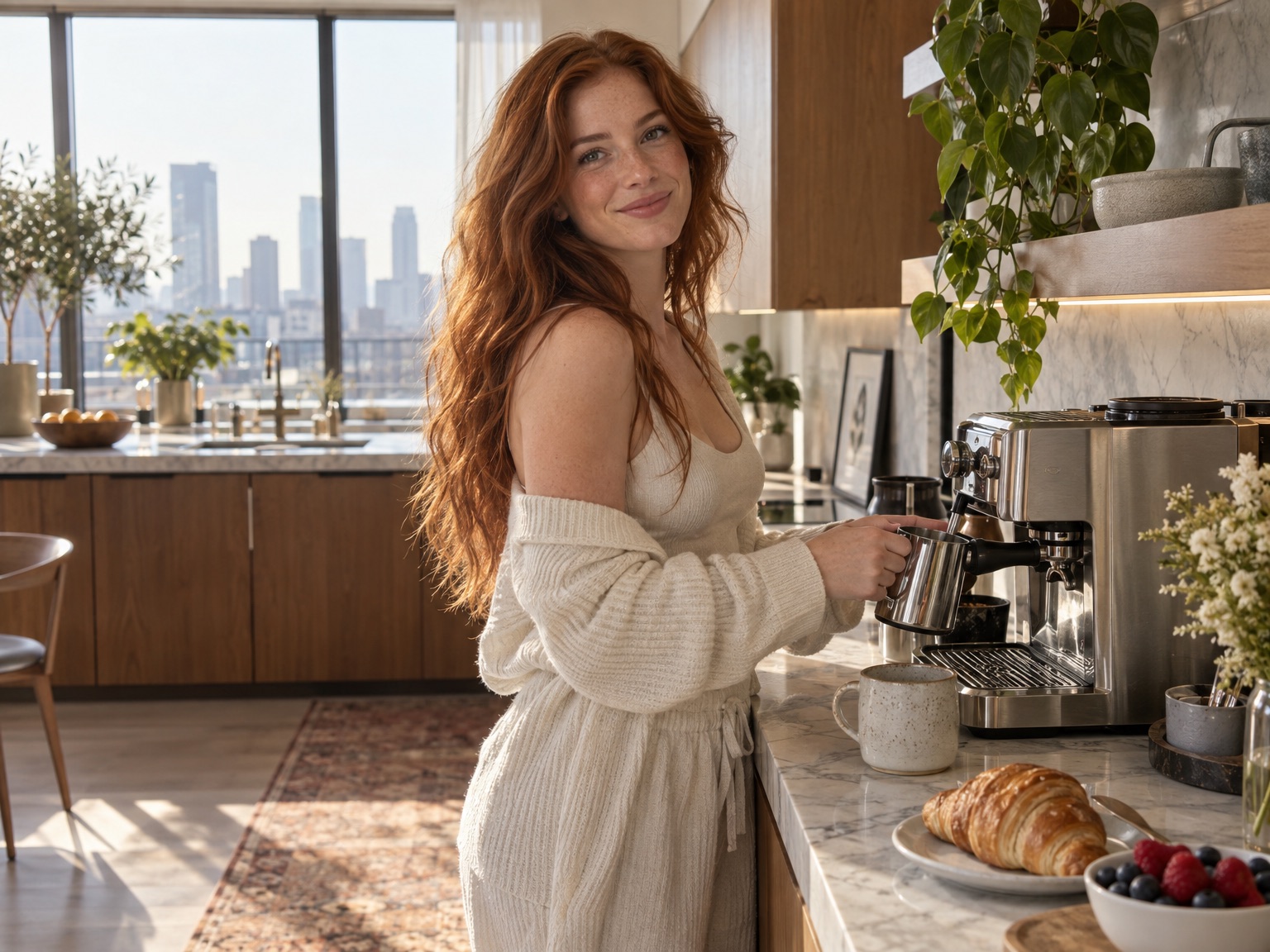
Say what to change, generate a new pass, repeat.
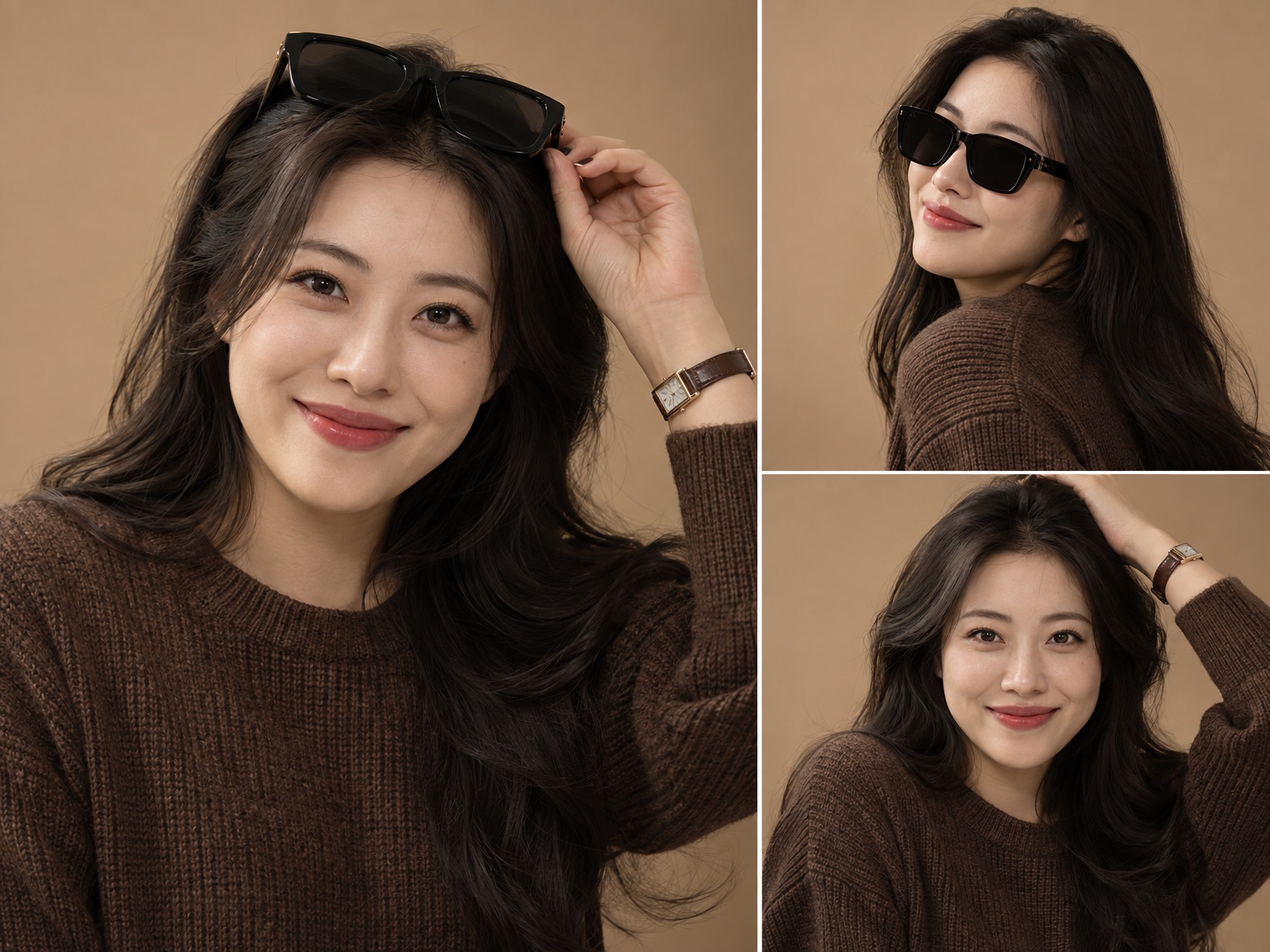
Keep a face or icon recognizable across many frames.
Simple Steps
Start with a reference or a prompt, generate a first pass, then refine with short instructions. GPT Image 2.5 runs in the browser and is powered by the GPT-Image-2.5 Model.
Choose the plan that matches how often you generate with GPT images 2.5.
Perfect for hobbyists and beginners
Everything you need to start:
For teams and businesses
Everything in Professional, plus:
For creators and professionals
Everything in Basic, plus:
Cancel subscription, please contact the support email: support@images25.art
Secure your best price with our limited-time annual discount.








STATS
for everyday image work—from quick drafts to campaign-ready assets.
Daily Creators
Independent artists, marketers and founders using GPT images 2.5 in their workflows.
Countries
Professionals across North America, Europe and Asia trust GPT images 2.5 every day.
Use Cases
From product photos and storytelling to ads, social media, marketing and more.
Find solutions to frequently asked questions about GPT images 2.5.
GPT images 2.5 is an advanced AI-powered image generation and editing platform powered by state-of-the-art OpenAI image generation models. It allows creators, businesses, and marketers to generate photorealistic images from text descriptions and edit existing images using natural language.
Yes. All images you generate with GPT images 2.5 are owned by you. You have full commercial rights to use them in client projects, e-commerce listings, marketing campaigns, websites, and merchandise.
GPT images 2.5 combines the prompt adherence of OpenAI models with fast cloud inference, reference remixing, and conversational in-browser image editing. You do not need Discord or complicated parameter syntax; just describe what you want in plain English.
GPT images 2.5 supports multiple aspect ratios including 1:1, 9:16, 16:9, 3:4, 4:3, and more. You can export in standard 1K or high-fidelity 2K and 4K resolutions.
Every new user receives 20 free credits upon signing up, enough for 2 GPT images 2.5 generations. If a generation attempt fails, credits are automatically refunded. You can upgrade to a Pro subscription or buy additional credits at any time.
Product photos, campaign ads, social graphics, concept art, avatars, and edited lifestyle scenes. Upload a reference or start from a prompt, then refine in plain English until the image is ready to export.
Describe the image you want, or upload a photo to edit. Generate with GPT images 2.5 for free, then upgrade when you need more credits and faster queues.
AI Images Created
Creators Served
Average Generation Time